


VMWare
Monitoring Tool
A comprehensive monitoring tool that meticulously
analyzes key VM performance aspects.
- 14-day free trial
- No Credit card Required
- Full Platform Access
What is VMWare
Monitoring Tool?
A VMware monitoring tool helps monitor resources in your environment, including servers, hosts, and virtual machines (VMs). By analyzing performance metrics such as CPU, memory, storage, network, and disc utilization, a VM determines the root of any issues. VMware Monitoring ensures that your resources are used efficiently to prevent over- or under-provisioning.
Today, VMware monitoring has become an essential aspect of managing your virtual machinesIT systems. That is why a business requires the correct combination of VMware monitoring tools to keep its infrastructure functioning optimally. Monitoring VMware also helps with capacity planning and forecasting, detecting rogue VMs, and much more.

Key Performance Aspects of
VMware Monitoring Tool
With a VMware monitoring tool, businesses can analyze essential
performance elements of their VMs at different hierarchical levels.

vCenter
Analyze the metrics for your network, disc, RAM, and CPU. Additionally, get data on clusters, ESX/ESXi hosts, and associated data centers

Cluster
Businesses can monitor VM operations in a cluster. You can also monitor vSphere High Availability, Distributed Resource Scheduler, CPU, RAM, and storage.

Datastore
View various storage and latency indicators that assist in planning storage requirements and space allocation. You could also see the entire space split up, including snapshots.

ESX/ESXi Host
Track CPU, memory, network, and disc utilisations, latencies, read-write rates, hardware sensors, and the inventory information of the related VMs and data stores.

Snapshot
Manage space requirements by measuring the age and size of individual snapshots and their influence on the related datastores. This will help minimize VM performance issues.

Virtual Machine
Monitor CPU, memory, and disc usage, as well as data transmission to and from a virtual machine (VM) without using an agent. You can also see how the VM space is divided into corresponding data stores.
Why is Infraon the Best
VMware Monitoring Tool?
With extensive capabilities like AI trend forecasts, customized dashboards, and top N and bottom N reports, Infraon offers a versatile tool for assessing the performance, effectiveness, and potential criticalities of all your VM resources. You can stay updated on your virtual machines using iOS and Android apps, and be alerted using various alerting systems.
Customizable dashboards
Interactive graphs that display virtual resource performance
information in real-time for thorough vSphere monitoring.
Multi-system alerting
Receive voice calls, push alerts, RSS feeds, SMS messages, and emails.
Metric-level Thresholds
Set unique thresholds for different VMware performance metrics.
Third-party Integrations
Integrate with team collaboration tools like Jira, Microsoft Teams,
Slack, and others.

Capabilities of Infraon VMware
Performance Monitoring Tool
Performs cause analysis and capacity planning
Infraon can help you identify the root cause of performance issues by analyzing metrics and identifying patterns and correlations.
It can help you plan for future capacity needs by providing historical performance analysis data and forecasting future resource requirements. eal-time.
Analyzes datastore performance
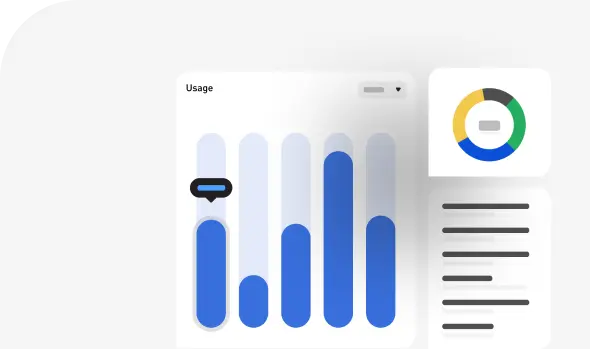
With Infraon, analyze I/O performance metrics by determining the read-write and latency rates for each host and virtual machine (VM) linked to the data store.
You can also decide whether or not you have too many virtual machines (VMs) or inadequate disc performance. To effectively monitor the performance of vSphere, performance measurements at the host, VM, and guest OS levels are also collected and correlated.
Monitors performance in real-time
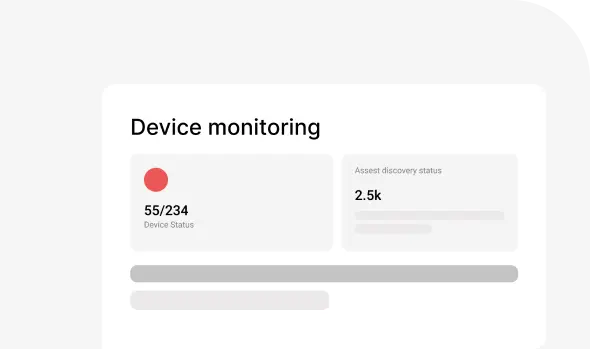
nfraon gives you a complete picture of how well your VMware environment performs in terms of CPU, memory, network, and storage utilization.
Provides instant alerts
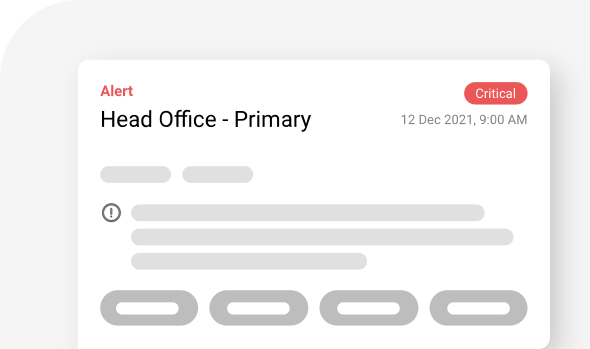
Configure AI-based threshold limits for all critical performance metrics to receive instant alerts on the platforms of your choice. Receive SLA reports, custom reports, top N reports, health trend reports, and more in your inbox.
Get immediate alerts when one of your virtual machines (VMs) vanishes so you can take the appropriate action, such as re-registering or deleting it from the inventory.
Monitors VMware VDI
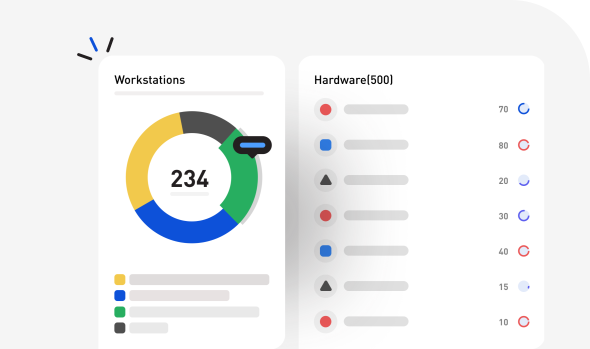
By using Infraon to monitor VMware Horizon, you could keep remote workstations and virtual desktops on VMware running smoothly.
By keeping a close eye on the well-being and functionality of your virtual machine, application, and desktop pools, you can keep your virtual desktop infrastructure (VDI) in check (VMs).
Related Content
Success Stories

ASK FRAS-LE FRICTION PVT. LTD.
Infraon Optimized Operations with 75% Improvement in Productivity & Compliance